Licence and account
Your WPGlotty account and usage figures
The key, the sites, and what the plugin has actually been doing.
The dashboard
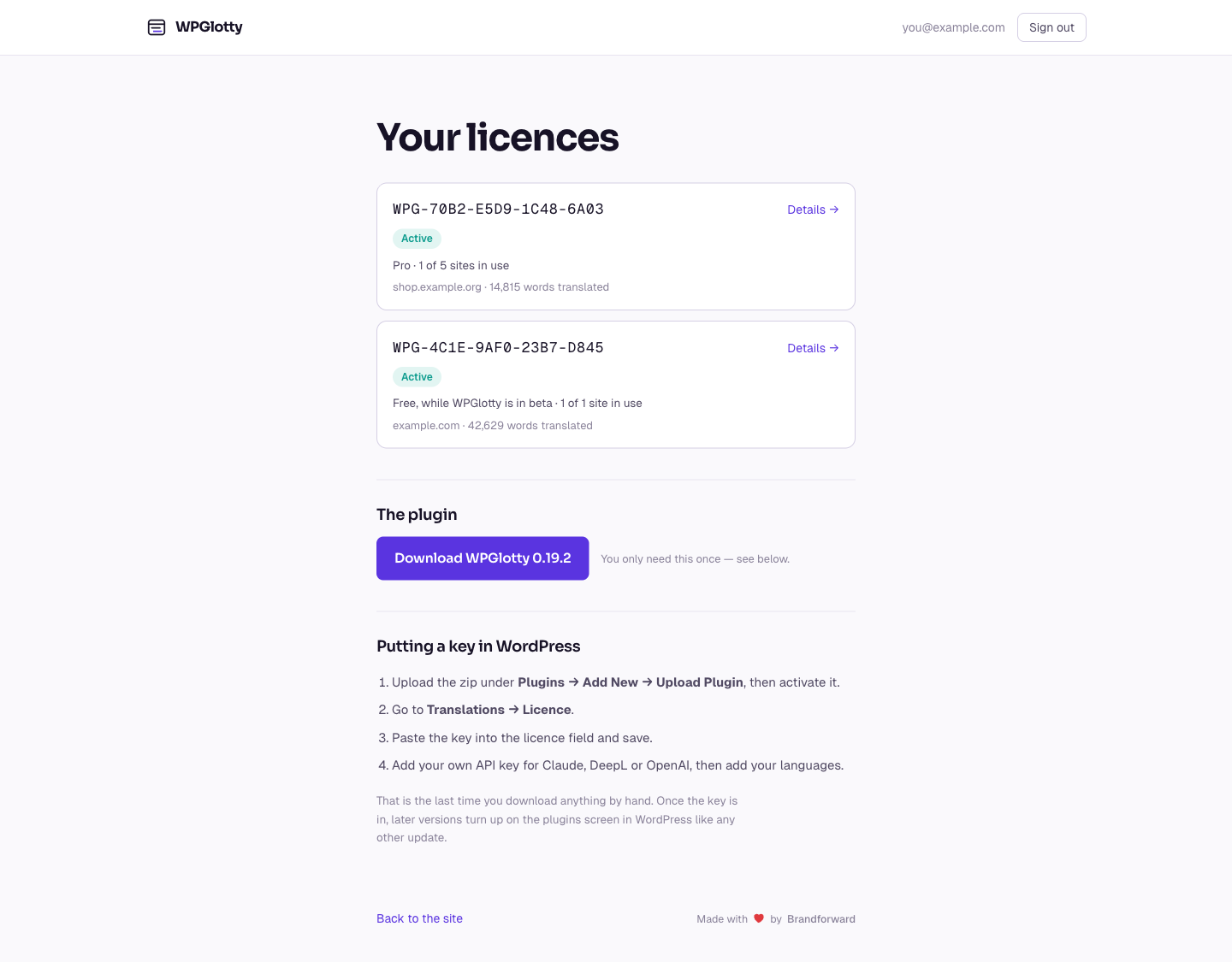
wpglotty.com/account lists your licences. Each shows its status, how many of its site slots are in use, and the words translated so far. Sign-in is a link by e-mail; there is no password to lose.
Statistics
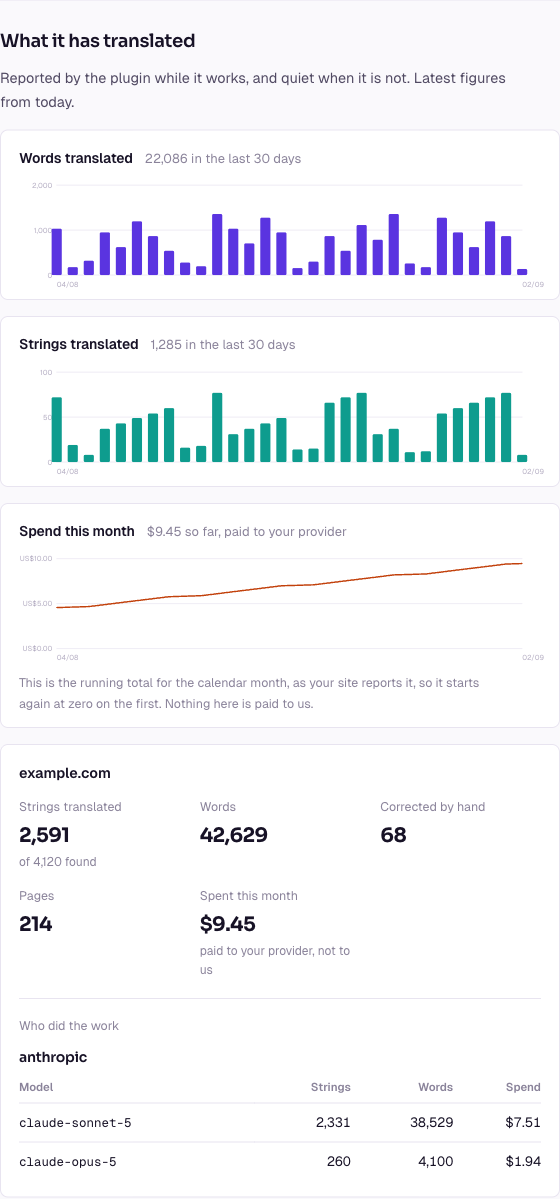
Open a licence and there are three charts over the last thirty days: words translated, strings translated, and what it cost. Underneath, the same figures per site, and a breakdown of which provider and which of its models did the work.
The cost chart is what your provider is billing you, as counted by the plugin. It is the number to look at before deciding whether the bulk model is worth changing.
Where the figures come from
The plugin sends counts along with the licence check it already makes, at most every few minutes and only when something has actually changed. A site that is not translating sends nothing at all.
Reporting is part of the plugin rather than a setting. What goes out is counts, versions and language codes, from a site whose domain the licence server already knows: there is nothing in it that a preference would protect.
Leaving
At the bottom of the dashboard there is a link to delete your account. It removes the account, its licences, its activations and every statistic, immediately and without a grace period.
Your site is untouched. Translations already made keep being served; the plugin simply stops making new ones at its next check. Removing the plugin from WordPress is a separate thing, and yours to do.