Licence and account
Moving a licence to another site
Release the domain, then activate the key somewhere else.
From the account
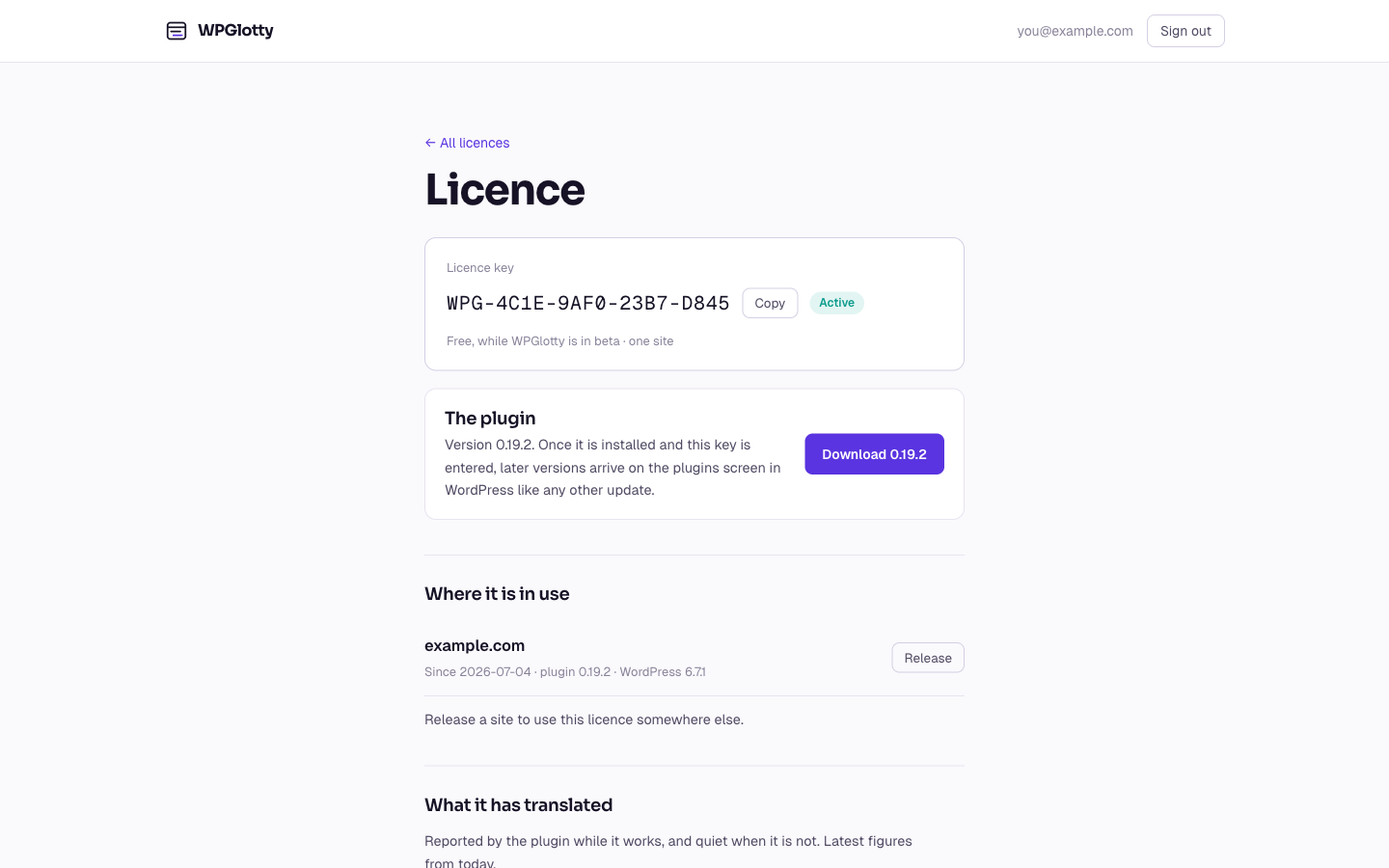
Sign in at wpglotty.com/account and open the licence. It lists the sites it is active on, each with a Release button. Releasing frees the slot immediately.
This is the one to use when the old site is gone: a domain you no longer own, a client who left, a staging site that was deleted without deactivating first.
From the plugin
If the old site still works, Translations → Licence has a Deactivate button, which tells the server to release the domain and clears the key locally.
It is the tidier route because it does both halves. If the server cannot be reached the key is cleared locally anyway, and you release the domain from your account afterwards.
What happens to the old site
It keeps every translation it has and keeps serving them. It stops making new ones, and the provider key is no longer editable.
Statistics for a released site are deleted along with the activation. That is a deliberate consequence: the figures belonged to the site, not to the key.